Carrying an All-in-One PC or Monitor Safely: A Bag Guide
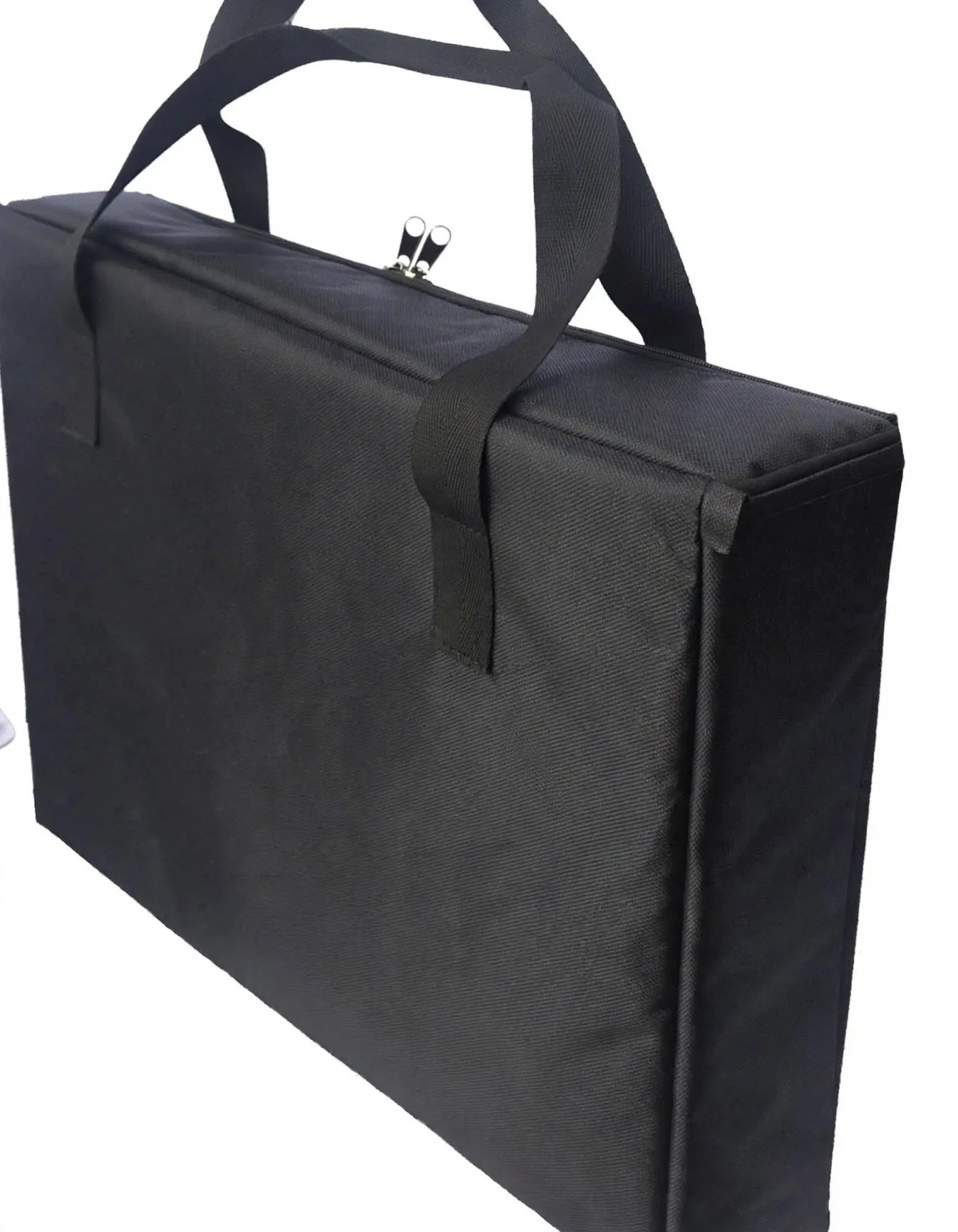
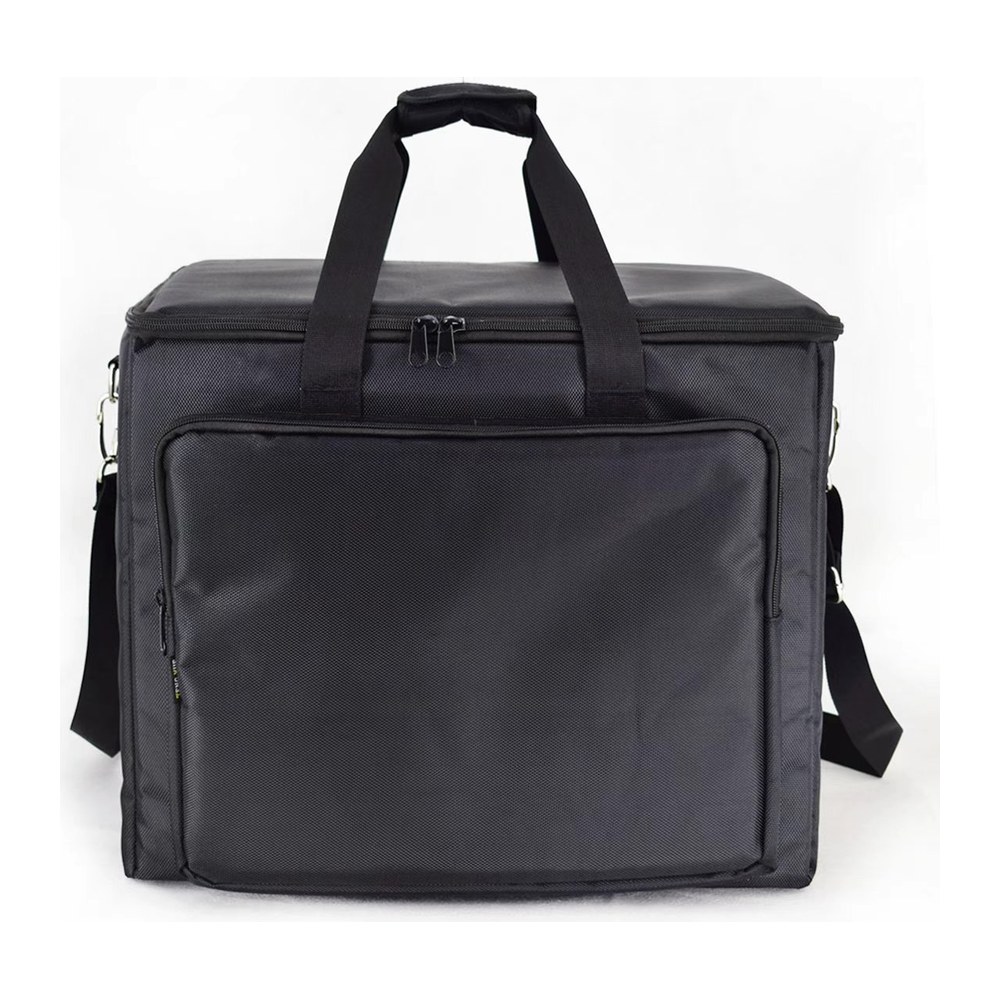
Carry an all-in-one PC the way you would carry a bare monitor: screen protected, body supported, both hands on the handles. A padded bag sized to the unit — our sizes run from 40 × 11 × 38 cm up to about 108 cm long, covering 24-inch and 27-inch machines — turns an awkward two-person worry into a routine one-person carry.
1. Why all-in-ones are awkward to move
An all-in-one PC concentrates its value and its fragility in one flat panel. The stand makes it top-heavy and gives you nothing safe to grip, the power brick and cables trail behind, and the original carton — the one thing shaped to protect it — is usually thrown away or falls apart after the first move. Yet these machines move often: office relocations, exhibition and training setups, classroom refreshes, repair intake. Carried bare, the risks are always the same three: pressure on the panel, knocks on the corners, and something hard pressed against the screen.
2. Size the bag to the unit
Measure the complete unit as it will travel. Our all-in-one computer carry bag starts at 40 × 11 × 38 cm for compact units and runs to roughly 108 cm in length for the largest 27-inch machines, with each size cut around a real unit's outside dimensions rather than a nominal screen size.
| Measure | Why it matters |
|---|---|
| Overall width × height of the unit | Sets the bag size — the screen body is the widest part |
| Depth, including the stand | Decides whether the stand travels attached or comes off |
| Weight of the unit | Sets the handle and webbing specification |
| Screen diagonal — 24", 27" and so on | A quick cross-check when matching the unit to a size |
If your unit falls between two sizes, take the larger one. The padding compresses gently around the panel, and a bag that is slightly generous is far safer than one whose zipper has to be forced over the corners. If the stand detaches with a simple release, removing it makes the unit slimmer and the bag smaller — measure the depth both ways and decide once, then keep the whole fleet on the same routine.
3. Protect the screen face
The screen side of the bag does the critical work. Behind the panel there should be real padding — our bag uses 11 mm foam — and against the panel there should be a soft velvet lining, because dust and ordinary fabric weave can leave micro-scratches on a screen surface over repeated journeys. Load the unit with the screen facing the padded, lined wall, and keep everything hard out of that compartment: the power brick, cables and any tools travel in a separate pocket or their own wrap. A mains plug pressed against a panel under the weight of the unit is one of the most common — and most avoidable — causes of a cracked screen.
4. Carrying and loading
Use both handles and carry the bag vertically, like a briefcase, close to the body. The reinforced webbing handles on our bag are stitched for the full weight of the unit, but the carry is only comfortable — and the panel only safe — when the load hangs straight rather than swinging. In a vehicle, stand the bag upright and wedged, or lay it flat with the screen facing up, and never stack anything on the panel face. For multi-unit moves, label each bag with its unit's asset number so machines and bags stay matched at the other end.
5. For offices, events and IT fleets
Repeat movers are the main buyers of this bag: office relocation teams, rental and exhibition companies, school IT departments and repair centers that return machines to users. They order matched sets through our customization options — one size per model in their fleet, with a silk screen or embroidered logo so the bags themselves stay identifiable as company property. Custom sizes are cut from the unit's dimensions, and a sample is ready in 5–7 days so your team can run a trial move before the full order is produced.
The short checklist
- Measure the unit with its stand, depth included
- Match the bag to the unit — size up if it falls between sizes
- Screen against the velvet-lined, padded face
- Cables and power brick packed separately, never against the panel
- Carry with both handles; load flat or upright, never under weight
Questions buyers ask
Will a 27-inch all-in-one PC fit in your carry bags?
Yes. The size range runs up to about 108 cm in length and covers 24-inch and 27-inch all-in-one PCs and monitors. Send us your unit’s outside dimensions and we match it to the right size — or cut a custom size if your model sits outside the range.
Should I remove the stand before putting the PC in the bag?
Only if it detaches easily. The bags are sized with depth for the stand, so most units travel with the stand on. If your stand releases simply, removing it makes the unit slimmer — measure the depth both ways and standardize on one routine for the whole fleet.
What protects the screen inside the bag?
11 mm of foam padding behind a soft velvet lining. The foam absorbs corner knocks and stacking pressure, and the velvet keeps dust and fabric weave from micro-scratching the panel surface across repeated journeys.
Can we order a matched set for an office move, with our logo?
Yes — matched fleet sets are a standard custom order. Send the models, dimensions and quantities, and each size is made for its unit with your logo in silk screen, heat transfer or embroidery. The minimum order for this model is 500 pcs, and a sample is ready in 5–7 days.