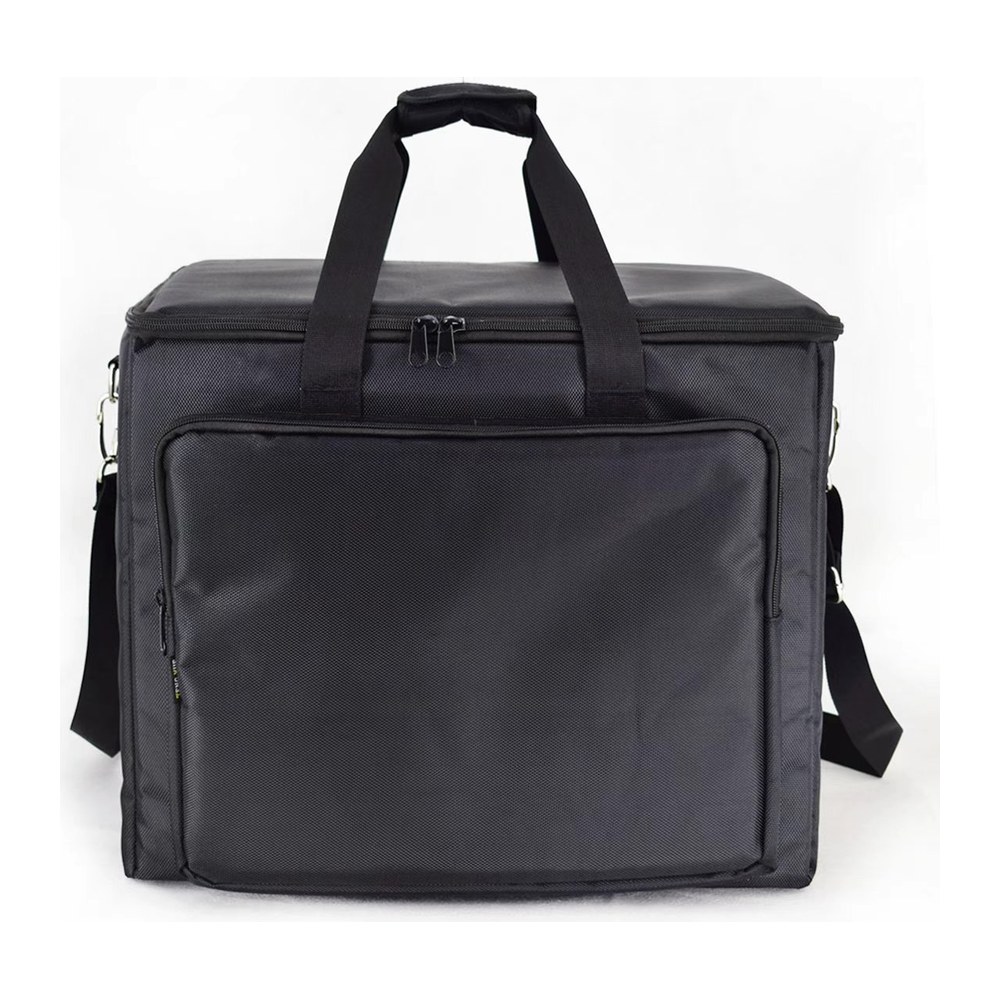
Projector Carry Bag Guide: Protecting Lenses, Cables and Remotes
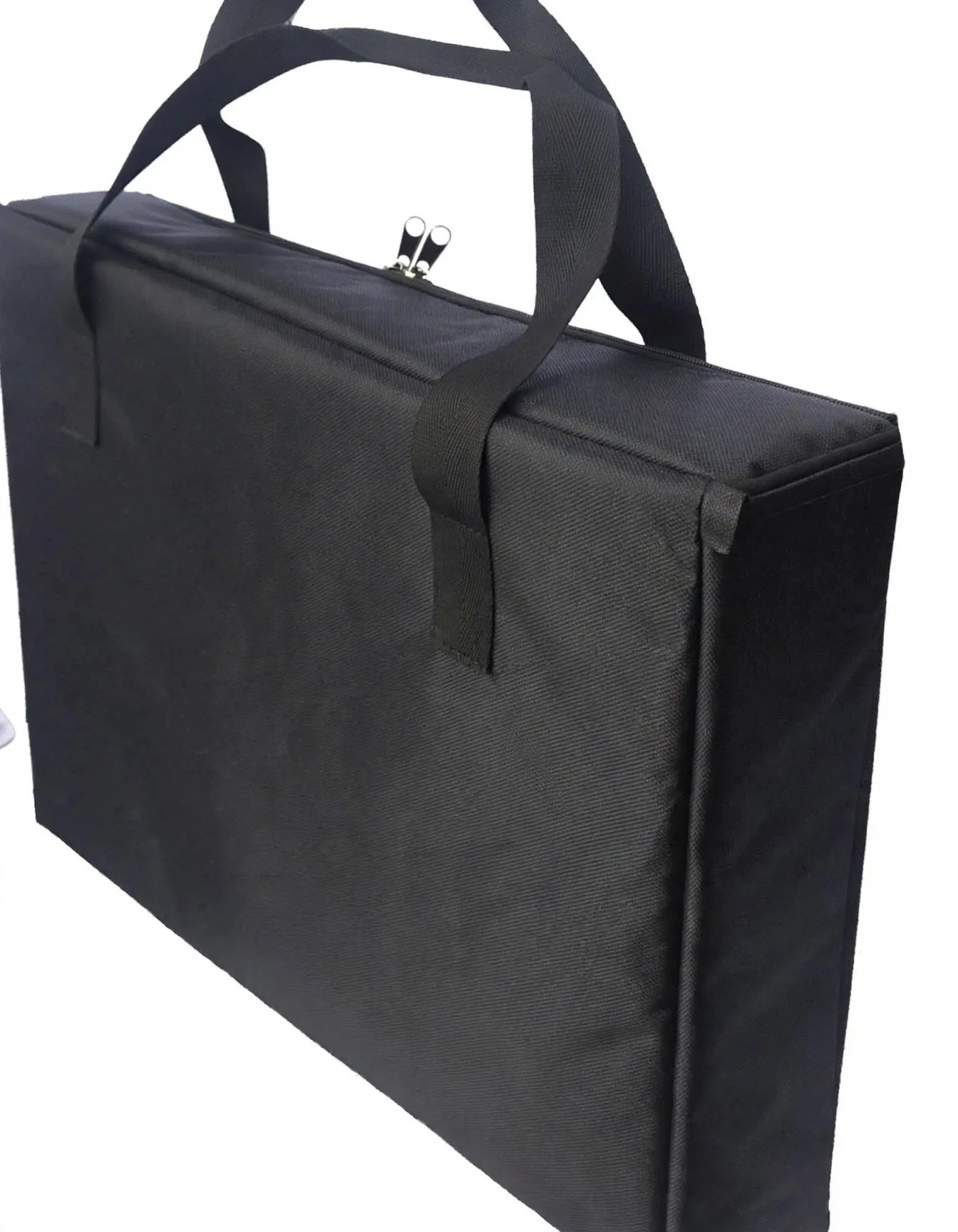
A projector is a lens, a lamp and a circuit board in a plastic shell — light for its size, and fragile in exactly the places a bag must protect. The lens sits at the front with nothing around it, the top carries buttons and a focus ring that should not be pressed, and the kit that travels with the machine — remote, cables, power supply — is all hard edges. This guide covers how to choose a projector bag that protects the lens, organises the accessories and fits the machine you actually own, whether it lives in a classroom, a hire fleet or a presenter's car.
1. Fit the bag to the projector, not the category
Projectors range from palm-size portable units to large installation machines, and "projector bag" as a category covers all of them badly. Measure your machine's length, width and height, including the lens protrusion and any adjustable feet, and match the bag's internal size to those figures with a small working allowance for the zipper. The same measuring discipline we apply to screens and computers applies here — it is why our all-in-one computer carry bag range is cut per screen size rather than sold as one universal case, and projector bags deserve the same treatment. A bag that is too large lets the projector slide; a bag that is too small presses on the lens and the top controls every time it closes.
2. Lens protection comes first
The lens is the single most delicate surface on the machine, and it faces forward, where bags get bumped against door frames and car boots. Three things protect it. First, the lens cap: always fitted before the projector goes into the bag, every time. Second, a padded divider or foam wall between the lens and anything else in the compartment, so nothing can reach the glass even if the bag is squeezed. Third, a fit snug enough that the projector cannot slide forward in transit. A soft lining matters too — grit trapped against the lens coating does slow damage on every trip. And if your bag has a front pocket on the lens side, keep it for flat, soft items only, so nothing hard sits against the lens through the fabric.
3. A place for the remote, the cables and the power supply
Projector remotes are small, easy to lose and annoying to replace — and they are always the thing missing when the presenter arrives. Spec a bag with a dedicated small pocket, ideally zippered and set inside the lid or on the front panel, where the remote lives permanently. Cables and the power brick go in their own compartment or pocket, separated from the projector body: a power brick sliding against the shell will scuff the finish, and a connector pressed against the lens is worse. Presenters who travel with a laptop should look for a combined layout with a padded laptop sleeve, so the whole presenting kit — projector, laptop, remote, cables — moves in one bag.
| Bag type | Best for | Watch out for |
|---|---|---|
| Slim sleeve | Home projector, short car trips | No room for the remote, cables or power supply |
| Standard padded bag | Office, school and church projectors | Check there is a padded divider in front of the lens |
| Bag with laptop compartment | Travelling presenters and trainers | The total weight once everything is loaded |
4. Padding, fabric and carry
For a projector that travels weekly, 10 mm foam gives the right protection without turning the bag into a piece of luggage; lighter home use can drop to 5 mm. Our explainer on bag padding thickness covers the trade-offs in detail. Oxford fabric in 600D keeps the bag light for presenters, while 900D suits machines that live in vans, school stores and hire fleets. The carry is usually a top handle plus a detachable shoulder strap, and the strap earns its keep in airports, stations and exhibition halls, where the walk is long and your other hand is busy. Handles should be webbing-anchored into the seams, because the handle carries the full value of the machine.
5. Custom bags for schools, hire fleets and presenters
Projector bags are a steady custom order: schools and training companies standardise on one machine and want a branded bag per unit, and AV hire fleets need the remote and cable kit to come back complete after every job. We cut each pattern to the projector's dimensions, place the lens divider and pockets where your kit needs them, and add your logo by printing or embroidery. Sizes, colours and logo methods are set out on our customization page — send the projector model or its measurements and we will spec the bag.
The short checklist
- Internal size matched to the projector, lens and feet included
- Lens cap fitted; padded divider in front of the lens
- A zippered pocket dedicated to the remote
- Cables and power brick separated from the projector body
- 10 mm foam for weekly travel; soft lining throughout
- Shoulder strap for long walks through venues and airports
Questions buyers ask
How do I protect the lens in a carry bag?
Fit the lens cap, keep a padded divider between the lens and the rest of the compartment, and choose a snug fit so the projector cannot slide forward. Those three steps prevent nearly all lens damage in transit.
What size bag does my projector need?
Your projector needs a bag whose internal dimensions match its measured length, width and height, with a small allowance for the zipper. Projector categories are too broad to size by — measure the machine, including the lens and feet.
Can one bag hold the projector and a laptop?
Yes. We build projector bags with a padded laptop sleeve alongside the main compartment, plus pockets for the remote and cables, so the full presenting kit travels together in one bag.
Can you make branded bags for a school or AV hire fleet?
Yes. Send the projector model or its measurements and the quantity per size, and we cut the bags to fit with your logo printed or embroidered, including mixed sizes in a single order.
Measure the machine, protect the lens, give the remote a home — a projector bag specced on those three points will outlast the projector.